Wednesday, 19 November 2014

LINES


                                                                  LINES


Research on Lines.

1. Lines is the one of the important element in design.
2.A point can create a perfect line.
3.There are basic 5 lines to be known.

  • Horizontal
  • Vertical
  • Diagonal
  • Curl
  • zig zag
HORIZONTAL

Lines are drawn straight to the ground. The thicker the line it means strong the impression is and it become lover  once it become thin. Horizontal line make viewers fell calm , comfotable , relax ,peaceful and quiet.


VERTICAL LINES

Lines move up and down ,this line shows formality and strong.


DIAGONAL LINES

This lines are all from different direction accept vertical and horizontal.Diagonal lines show the excitement  .


CURL LINES

The curl line change the direction of the image. the curl line represent the flowand also movement.


ZIG ZAG


This line are made by the combination of diagonal lines. This line shows the confusion and also excitement .



Monday, 17 November 2014

POINTS

                                                           ELEMENT OF DESIGN
1. Point or Dots     
Dots are the starting point of all the drawings.  The more the distance among the dots the more the focus of connecting the points will taken  in to consideration.


Dots in relation to each other


One pointcan create a shape.
point could also shows the positition of an object or even a movement of an object.

Experiment of the point.


Points shows movement.


Points overlay


points used different medium


FINAL


Tuesday, 14 October 2014

Final project movie poster , magazine cover

                                                 SAMPLE MAGAZINE COVER
                    
                               
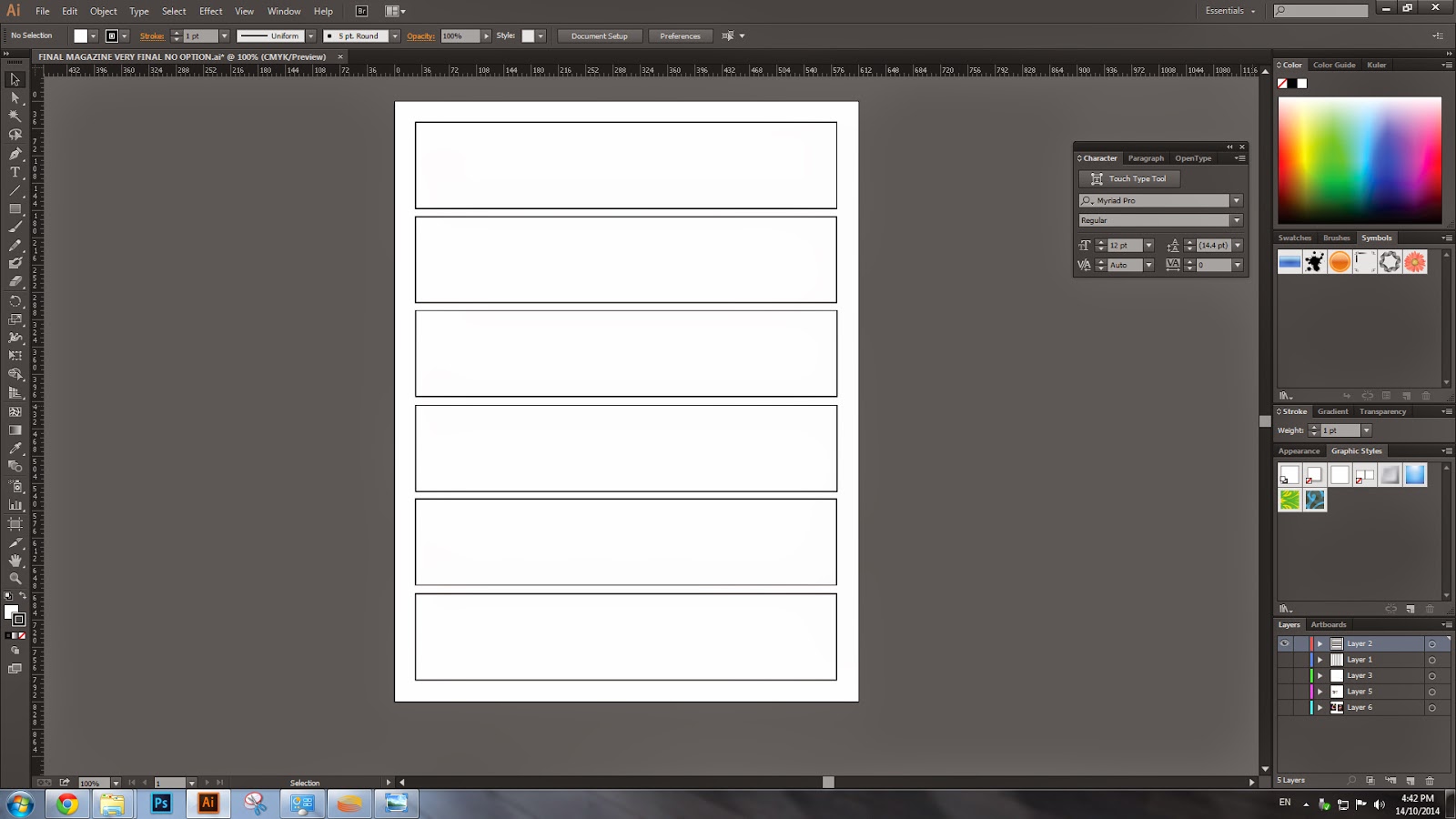
   1. Use one cm box to draw the out line of the magazine .Then draw verticle and horizontal lines to     make us easy to put text in.
 
2.Apply show grid , it would be out guide line how to apply  the font  right in the place and in line.
 
3. Put text in as per plan , use the font which is  right for the front cover and also the issues that , we are writing in   .
4. Put the background  image and see weather it suits the color of font that u have been used .
5. Once it is satisfied you may , save the magazine in to jpeg format. Complete magazine cover is done.


Monday, 13 October 2014

Apply texture and filter


           SAMPLE IMAGE WHICH HAVE BEEN CHOOSEN FOR BLEND THE IMAGE
1. CROP THE TIGERS FACE BECAUSE WE ARE GOING TO USE THE FACE AS THE  OVERLAY OBJECT.

2. BRING THE CROPPED TIGER FACE IN FRONT OF  THE LION S IMAGE , THEN  APPLY THE EFFECT SUCH AS , OVER LAY SOFT LIGHT AND ALSO APPLY THE TEXTURE.
3. ONCE THE TEXTURE IS APPLIED THE PICTURE ISD READY TO SAVE IN JPEG FOERMAT. THE PICTURE IS READY TO SAVE.

Sunday, 28 September 2014

The final project .... for computer class


The picture collection ....for the final project......


STEPS TO CROP THE PICTURE             


                                                                                          ARRANGE THE PICTURES WHIC HAVE BEEN CROPED


                                           The final project for the ..........Basic computer